DEPLOYED EXPERIENCE
GlobalPaySecure Payroll Portal
An enterprise payroll experience where OCI IAM identity becomes an Oracle end-user security context and the database releases only governed rows and columns.

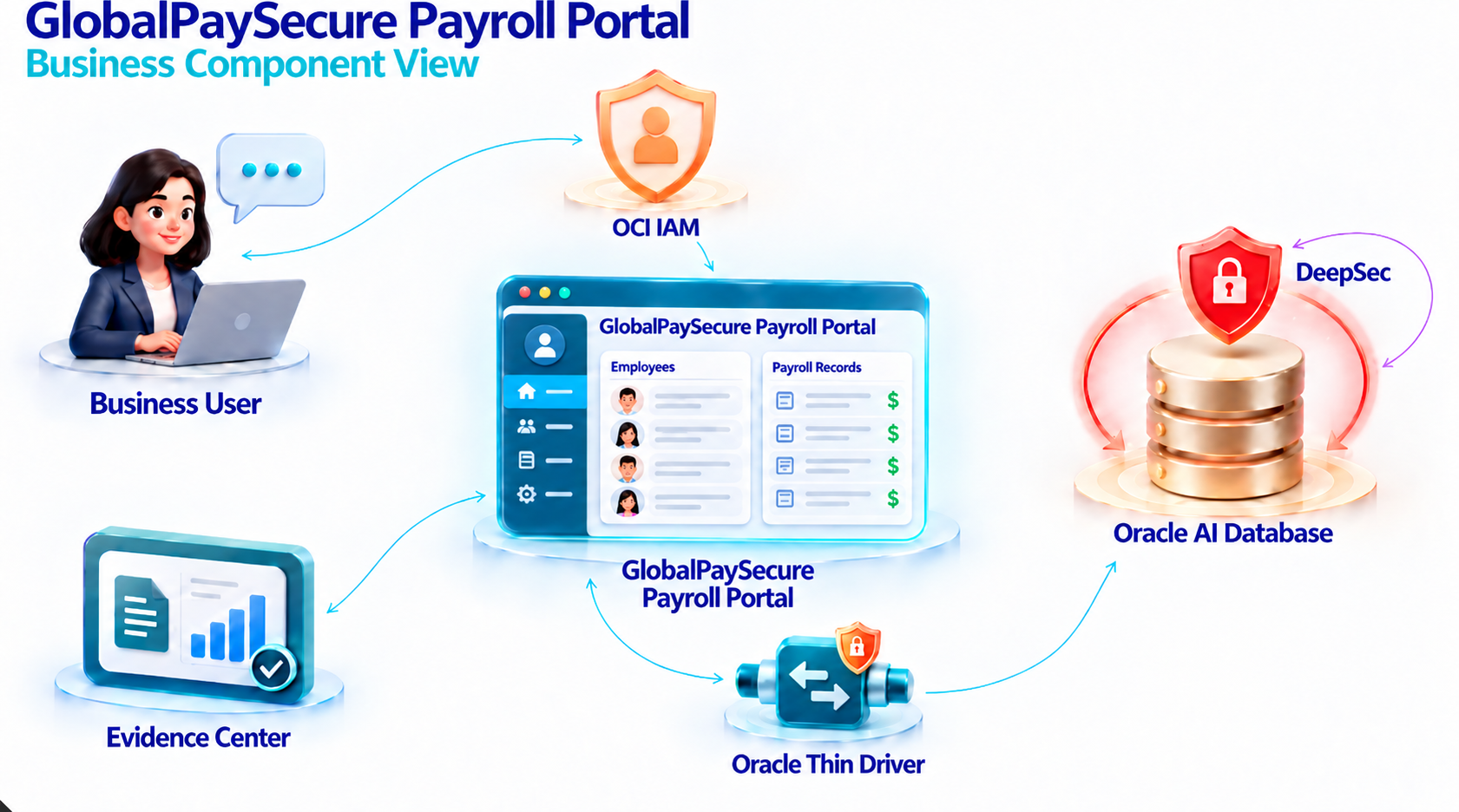
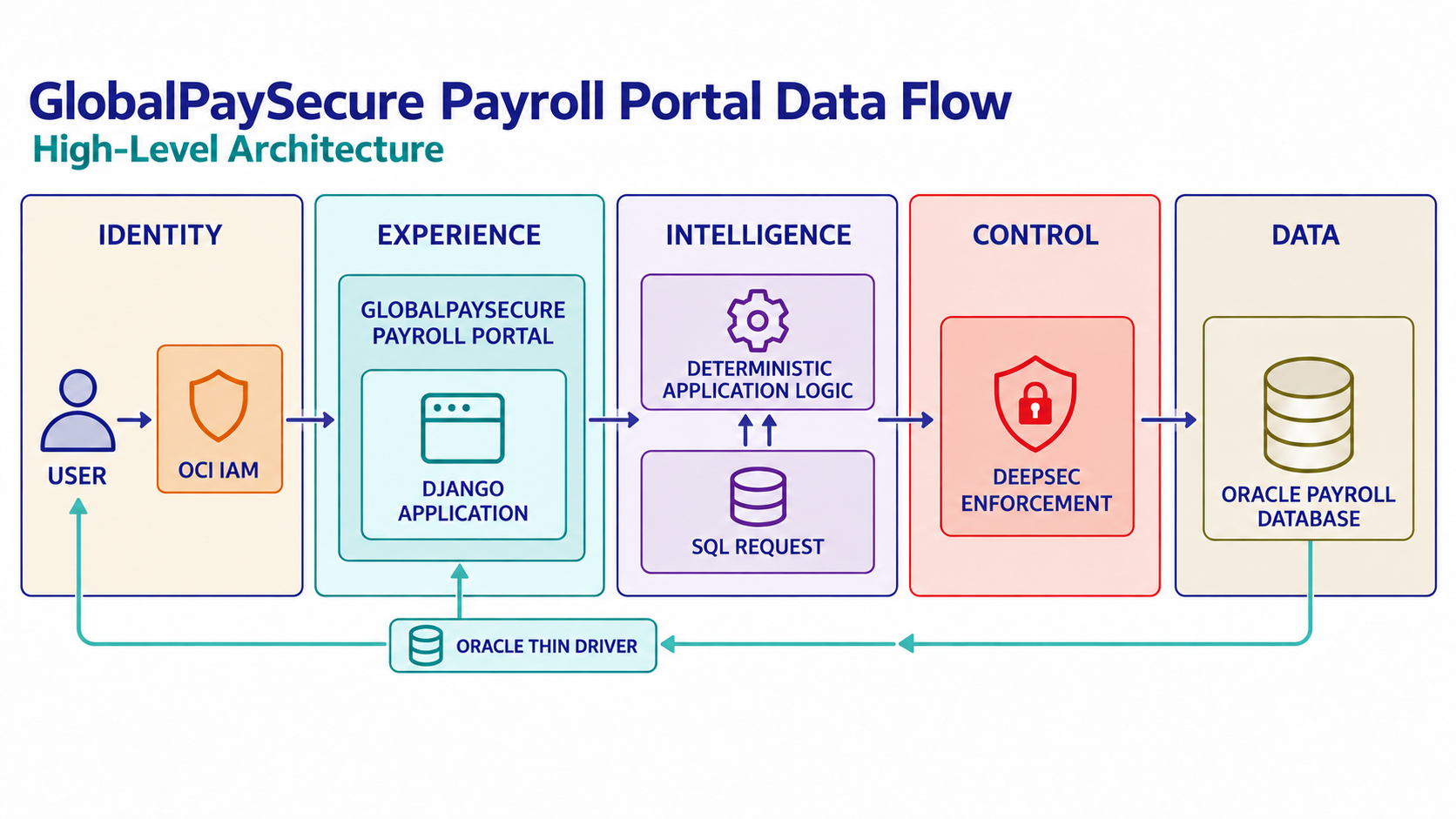
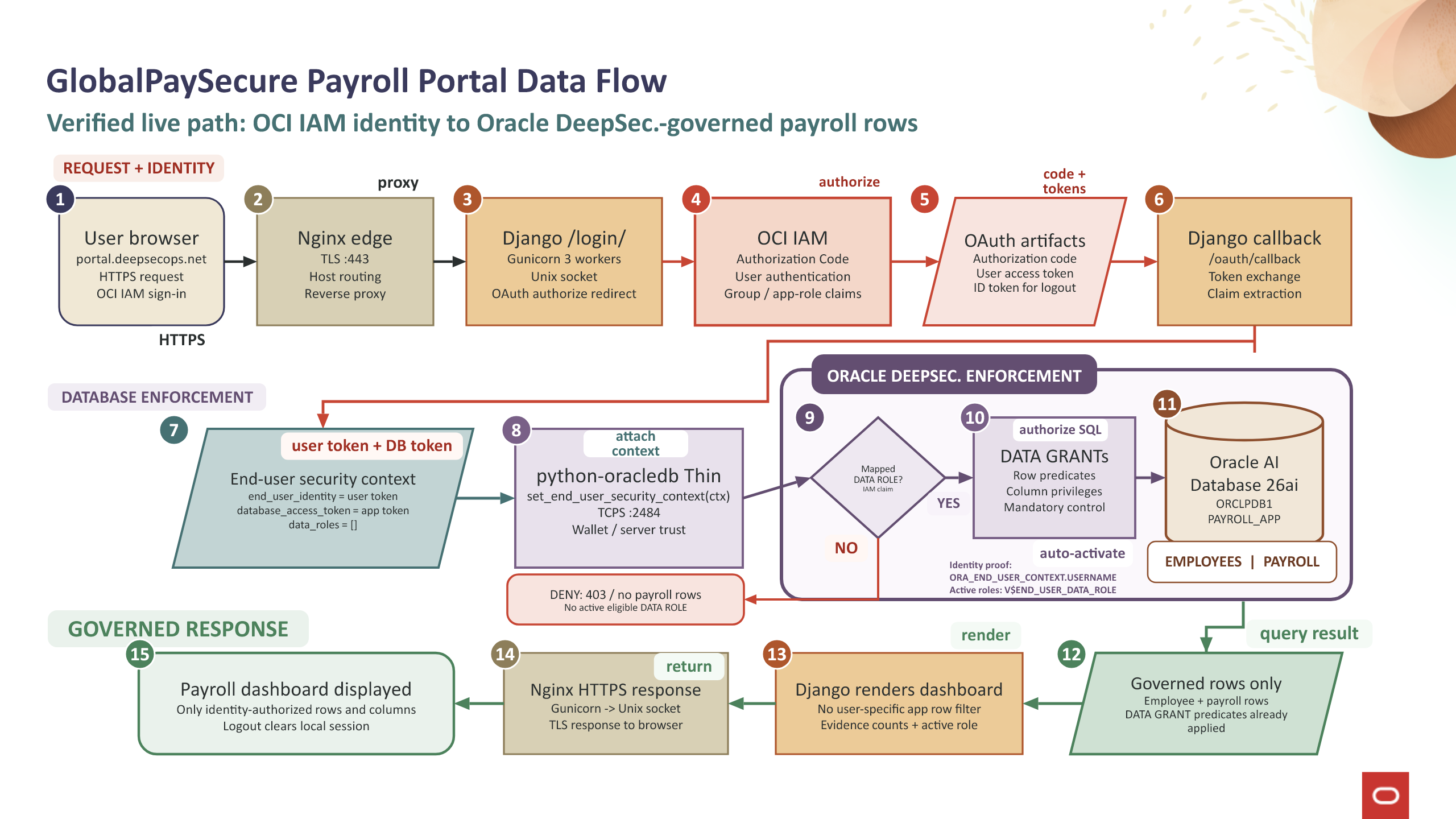
GlobalPaySecure Payroll Portal Data Flow
GUIDED VALIDATION
Demo steps
Follow this guided validation from OCI IAM sign-in through database-enforcement evidence. Refer to the secured Excel guide for the approved test username and password.
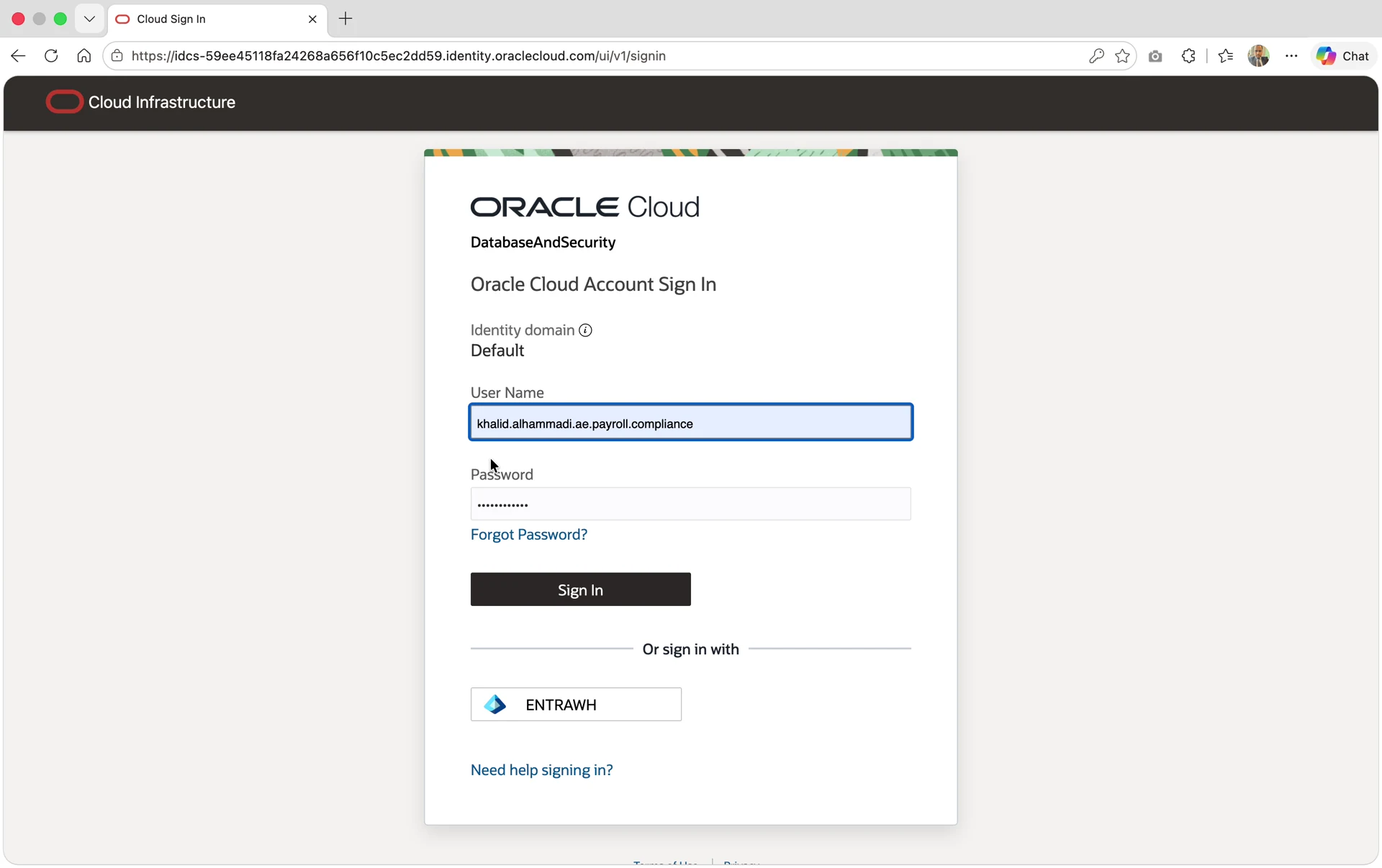
01Sign in through OCI IAM
Open the live Payroll Portal and authenticate with the assigned OCI IAM test account. Use the credentials supplied in the secured Excel guide; do not use a personal account.
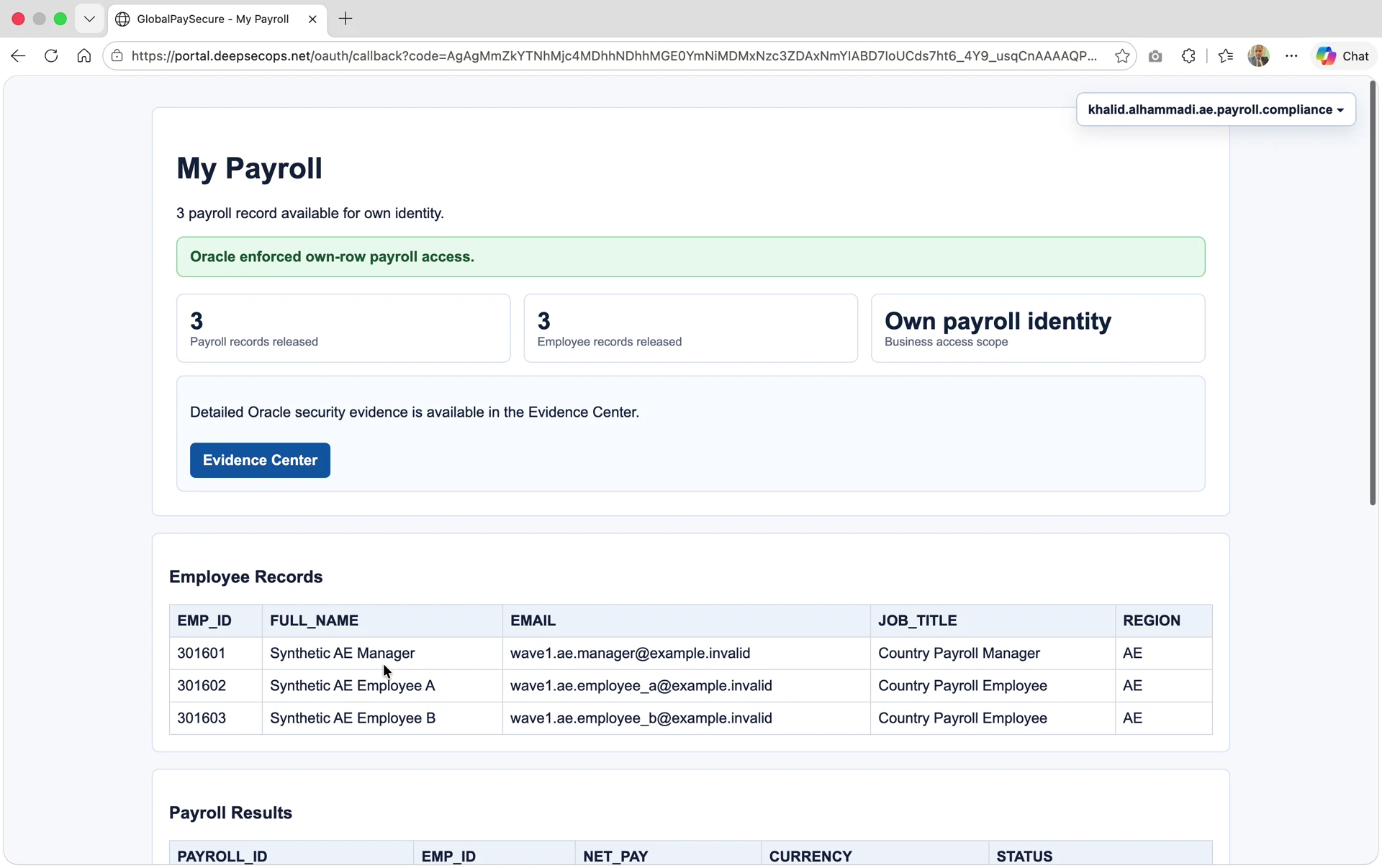
02Validate the governed payroll view
Confirm that the portal identifies the signed-in user and releases only the employee and payroll records expected for that persona. Note the visible record counts before continuing.
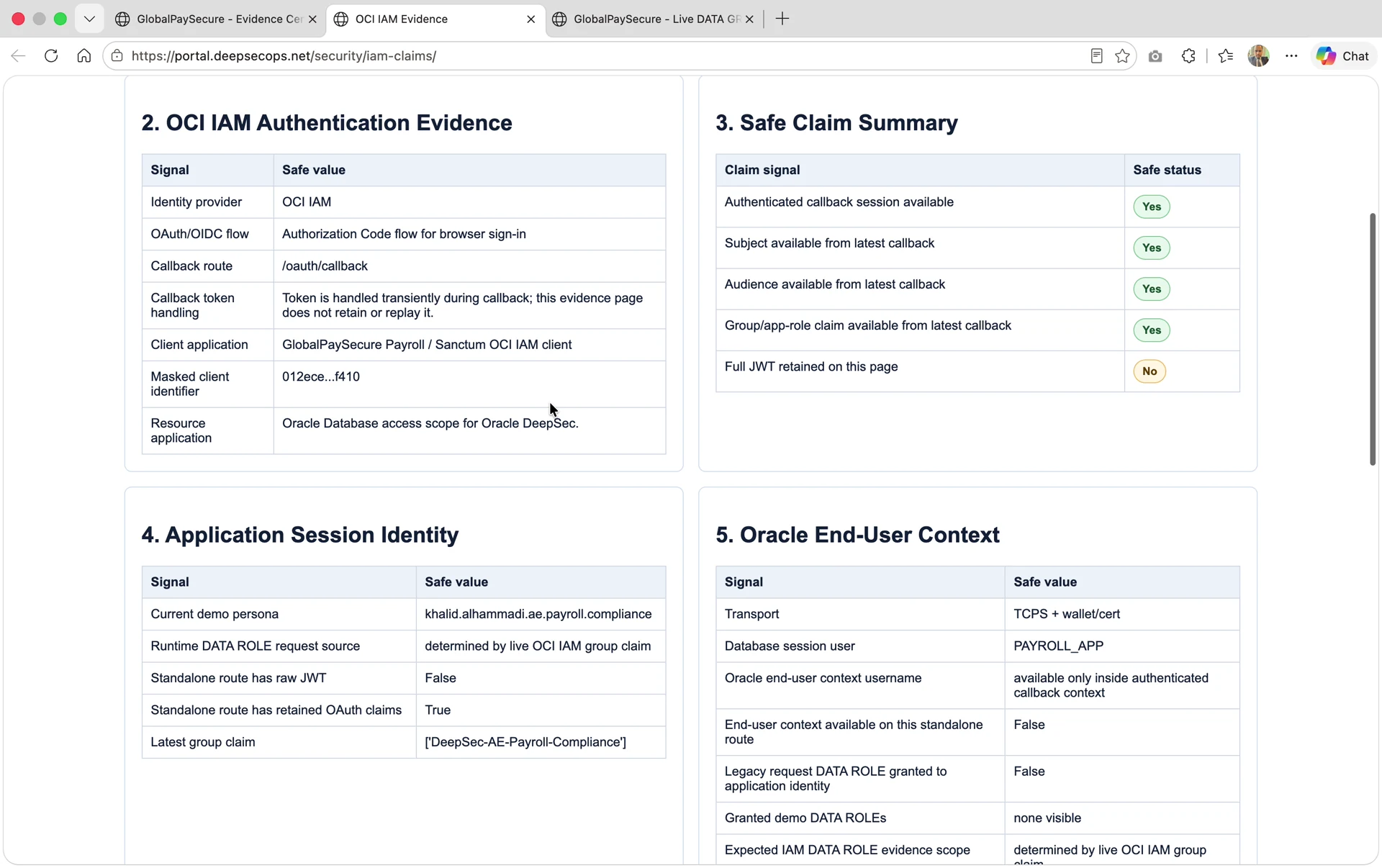
03Review OCI IAM and session evidence
Open the Evidence Center and inspect the OCI IAM authentication, safe claims, application-session identity, and Oracle end-user context. Verify that the identities remain consistent across the request path.
04Verify live DeepSec data grants
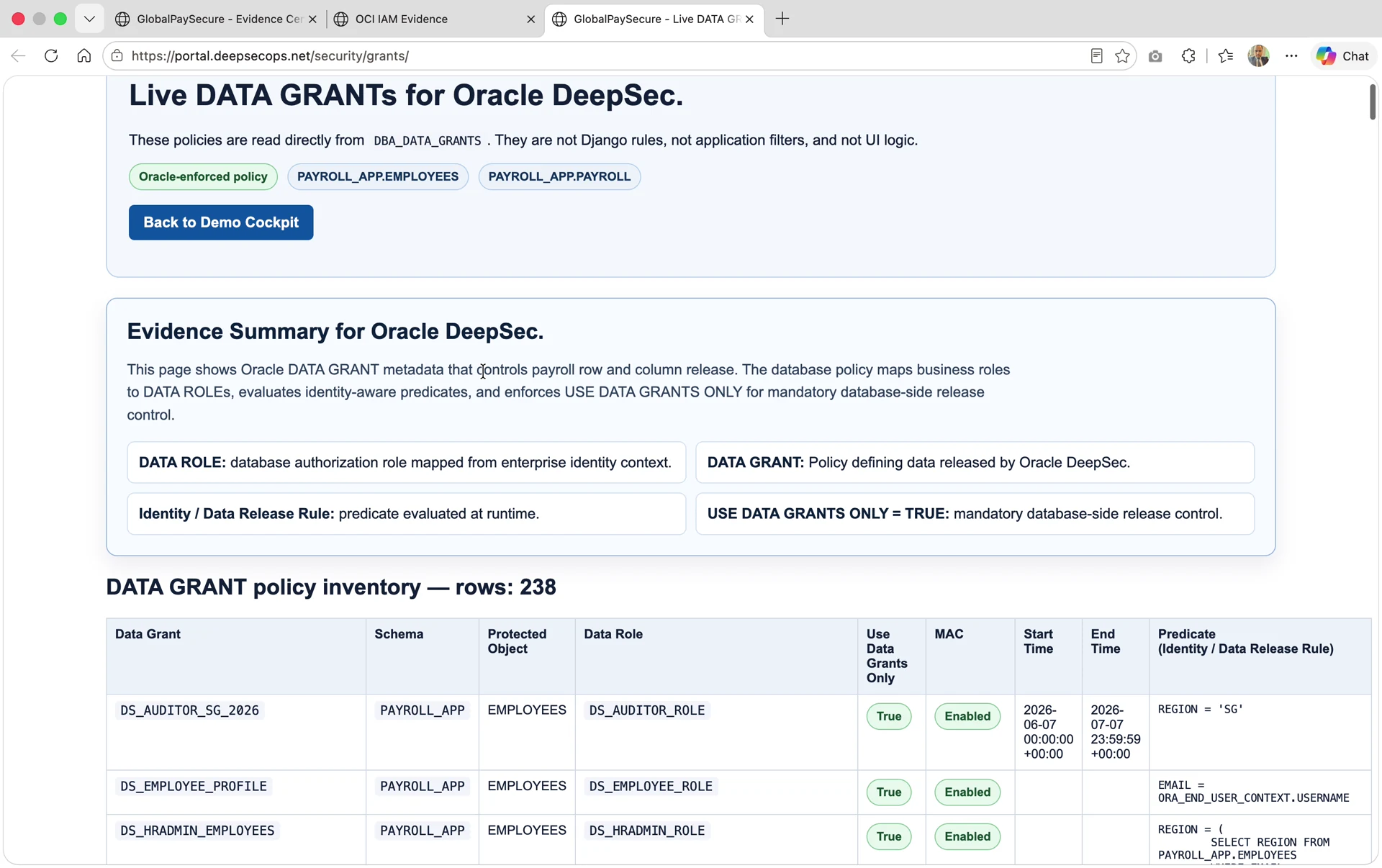
Open the live DATA GRANTS view. Confirm that database roles and grants—not application filters—define the permitted rows and columns for the selected persona.